
Lottie
.JSON
80 total looping Lottie animations with light and dark mode variants for Appfire's partner Fuego.
Step 01.
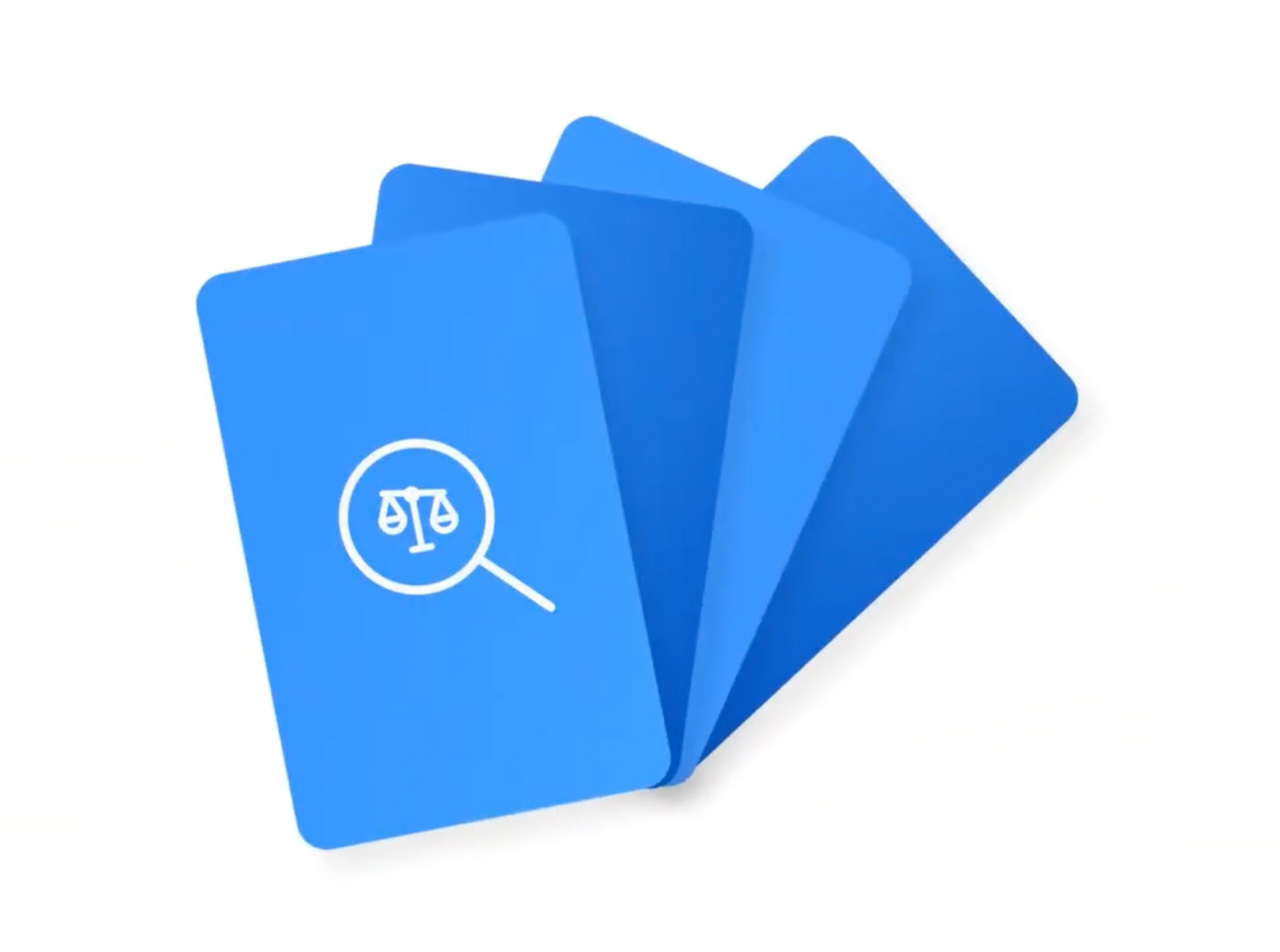
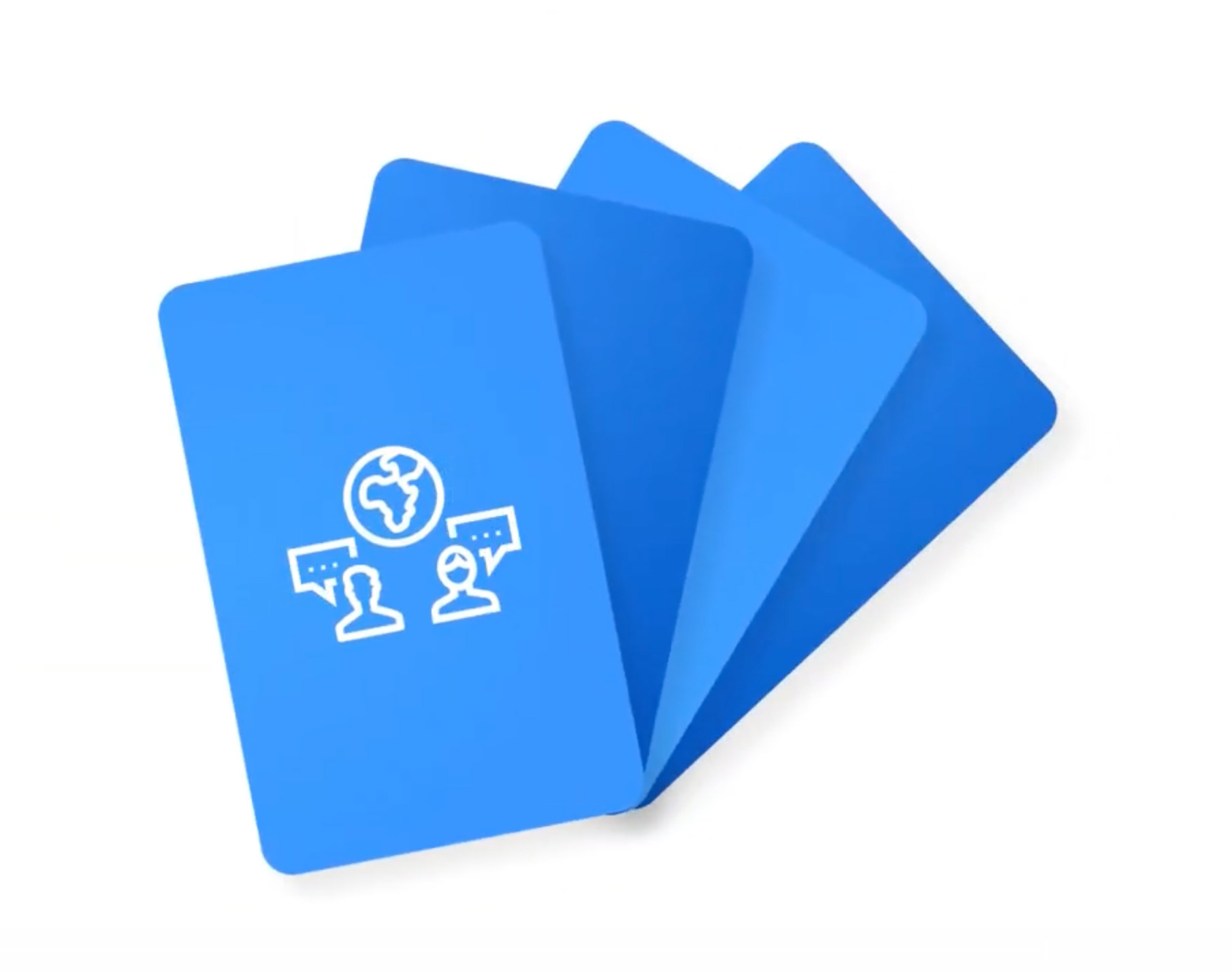
Illustrate 40 semi-detailed icons in Figma with light and dark mode variants (80 total) based on the application's use case.
Step 02.
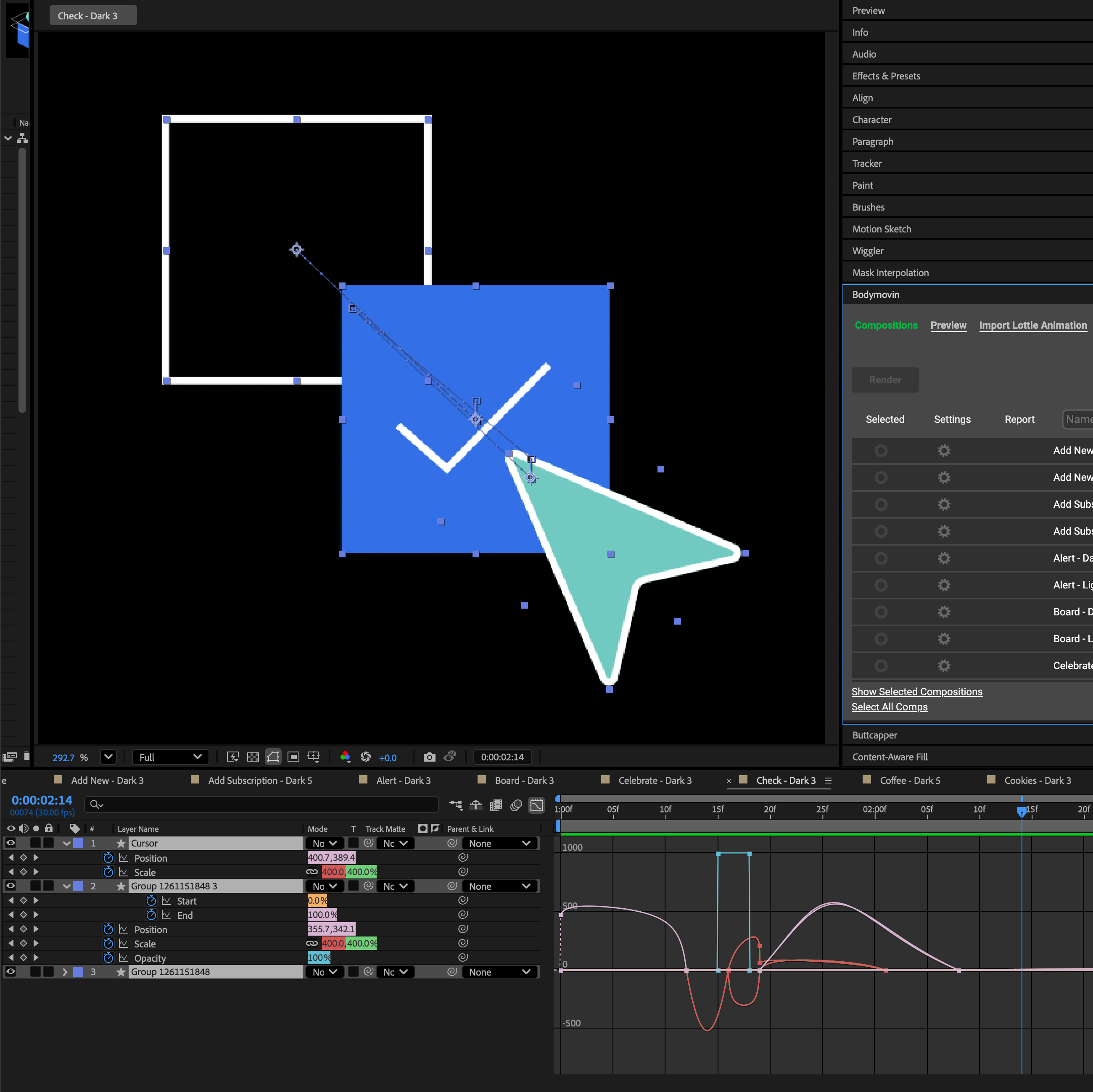
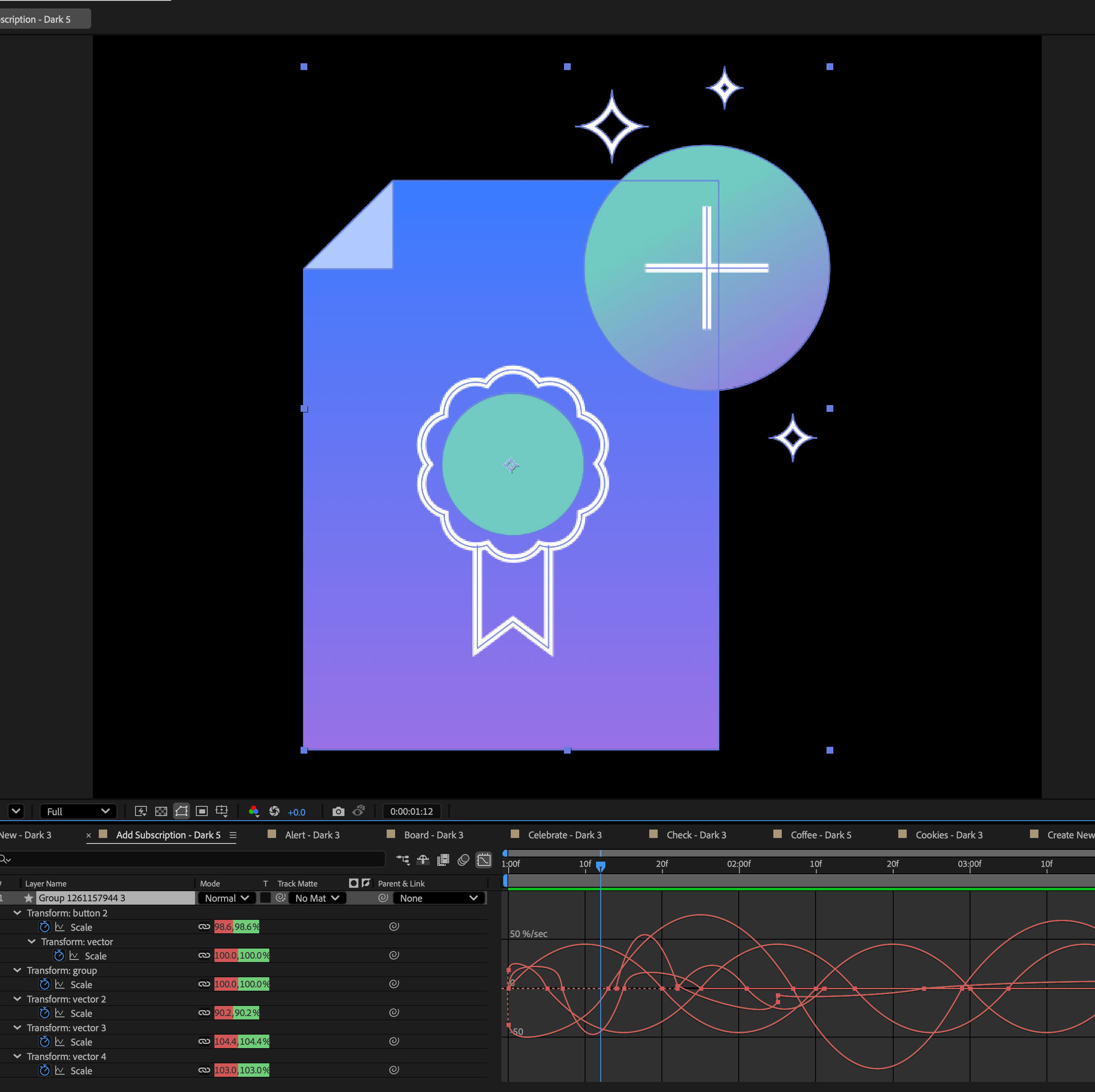
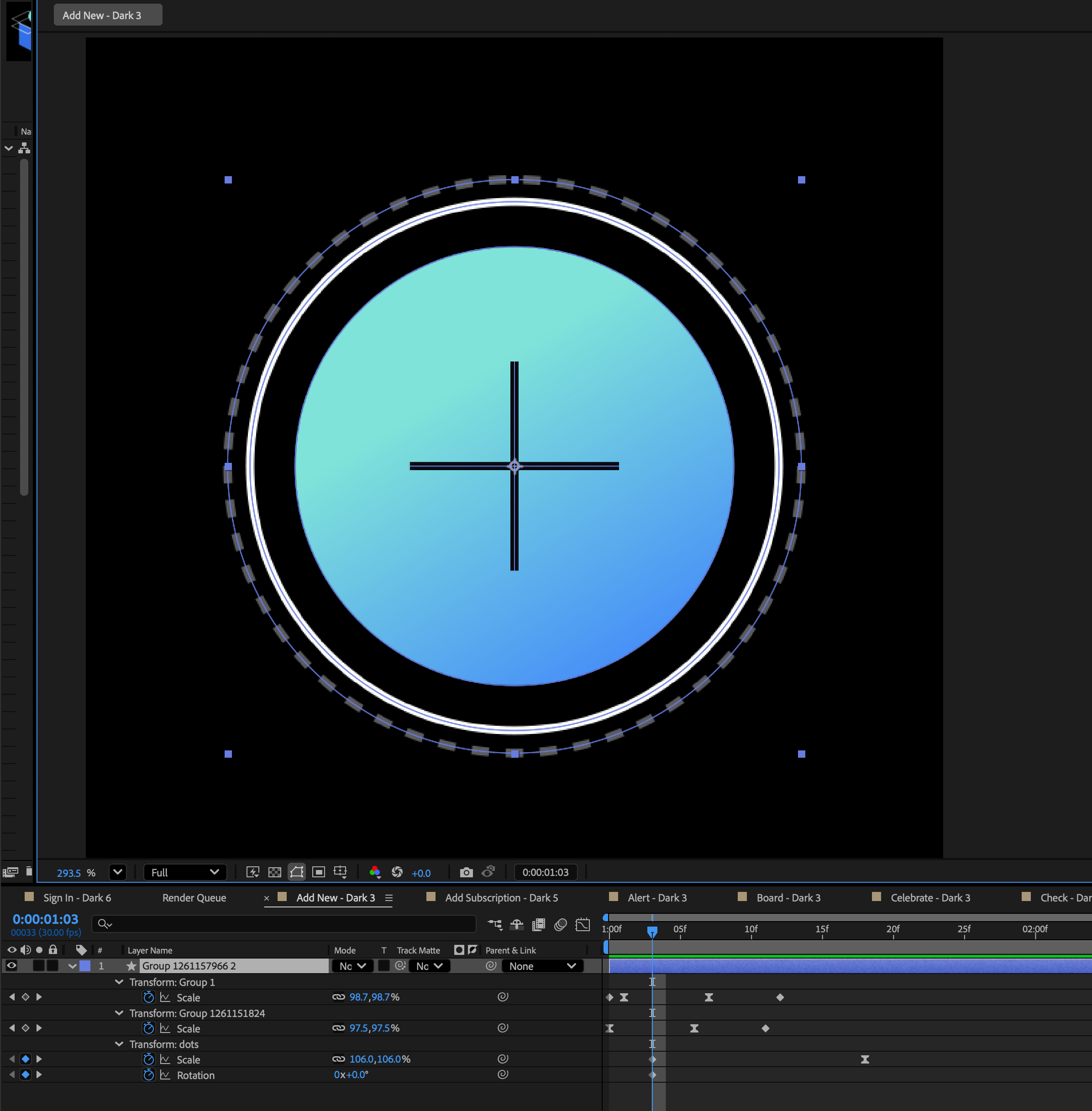
Export live shapes Figma to After Effects using Overlord to animate each icon and bring them to life.
Step 03.
Export animations as .JSON files using Bodymovin in the lowest file size/code length possible.
Easier Said Than Done.
Formatting for Lottie is much more technical than typical animating workflow in After Effects. The export is code, so it's mandatory to optimize and aim for a single shape layer if possible to prevent bogging down website. Certain techniques must be used, such as grouping multiple paths with the same appearance with a single fill/stroke color, never duplicating.

Landing
Video
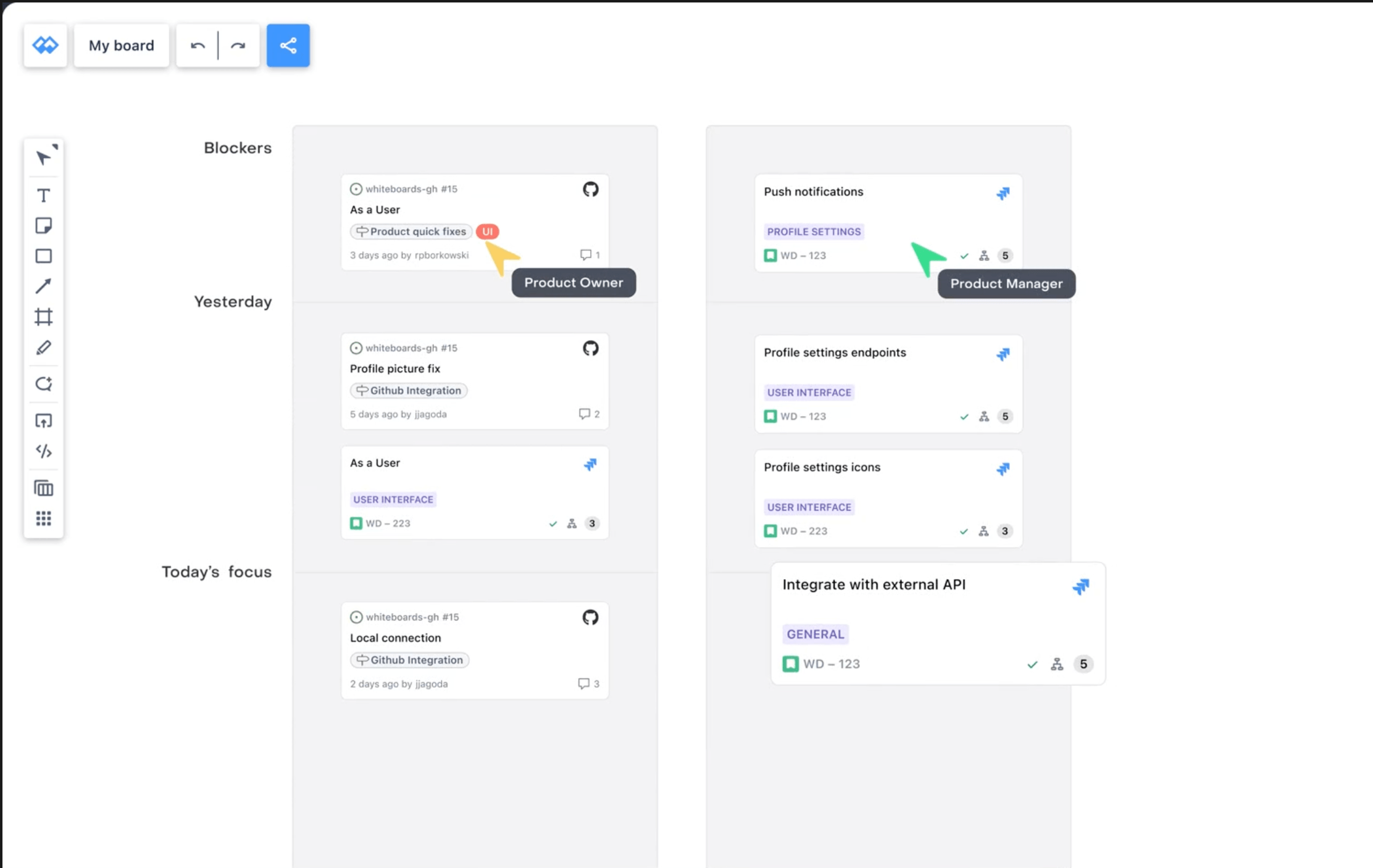
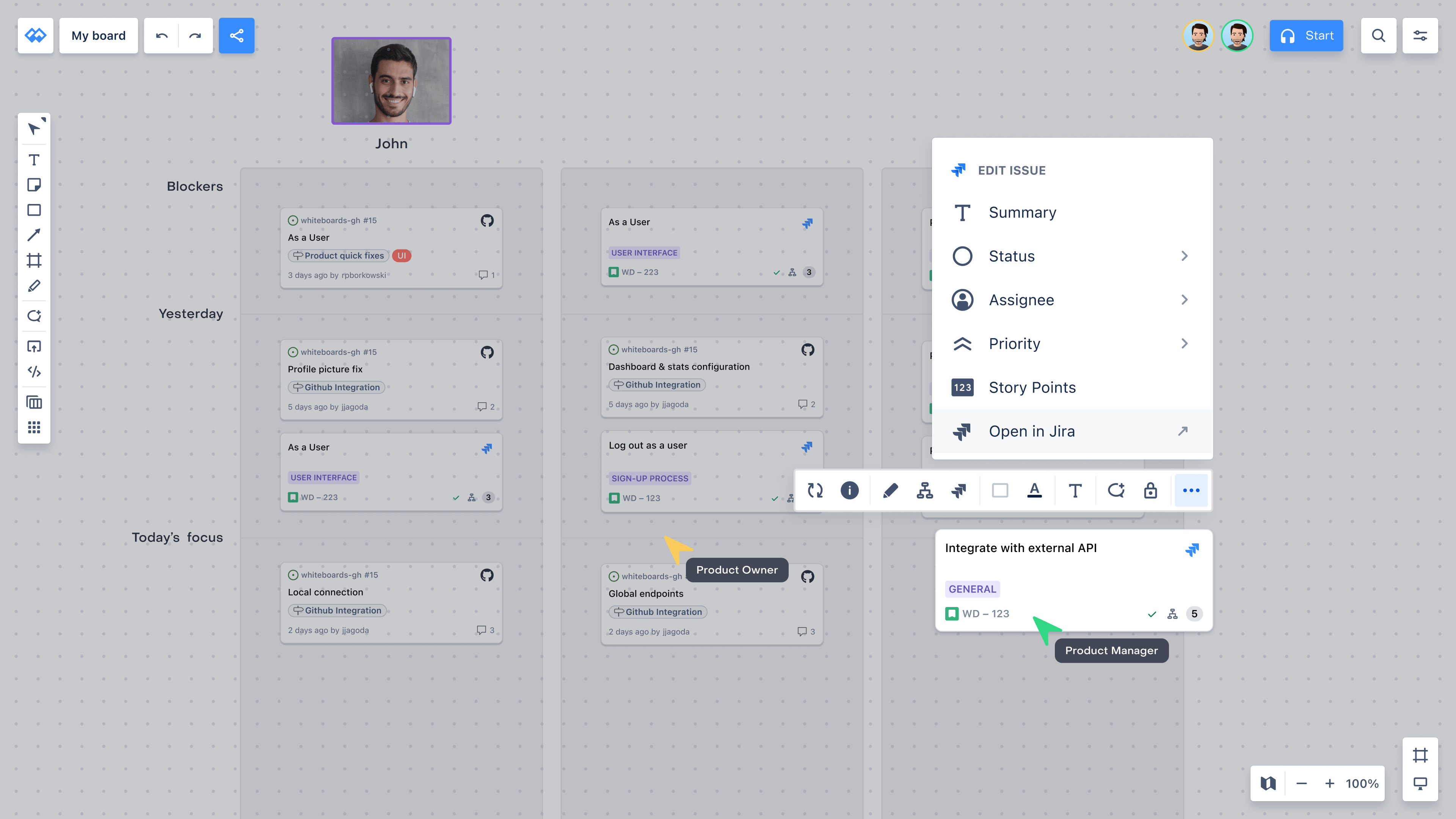
New applications are intimidating at first look so a quick overview on the landing page quickly shows it's usefulness.
A Team Effort.
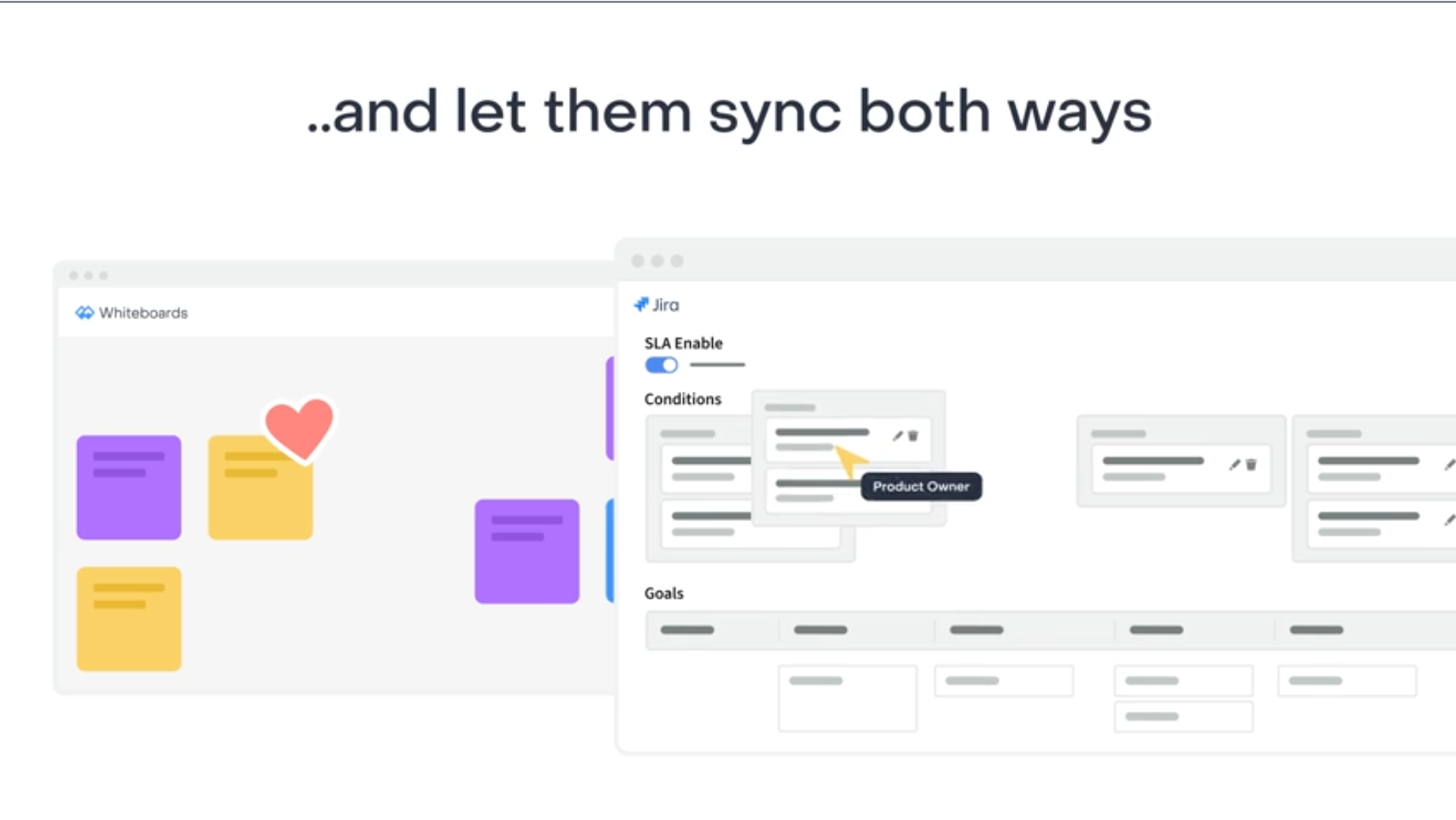
With script guidance from the Whiteboards team I laid out a quick storyboard in Figma to communicate my vision with their vision. Once approved, I recreated their UI into vector assets using mostly After Effects shape layers to prevent duplicating work and fixing shapes after typical svg importing processes. I balanced text with animation so that both could be consumed at once while keeping attention focus. This was a fun one!

Agile
Poker
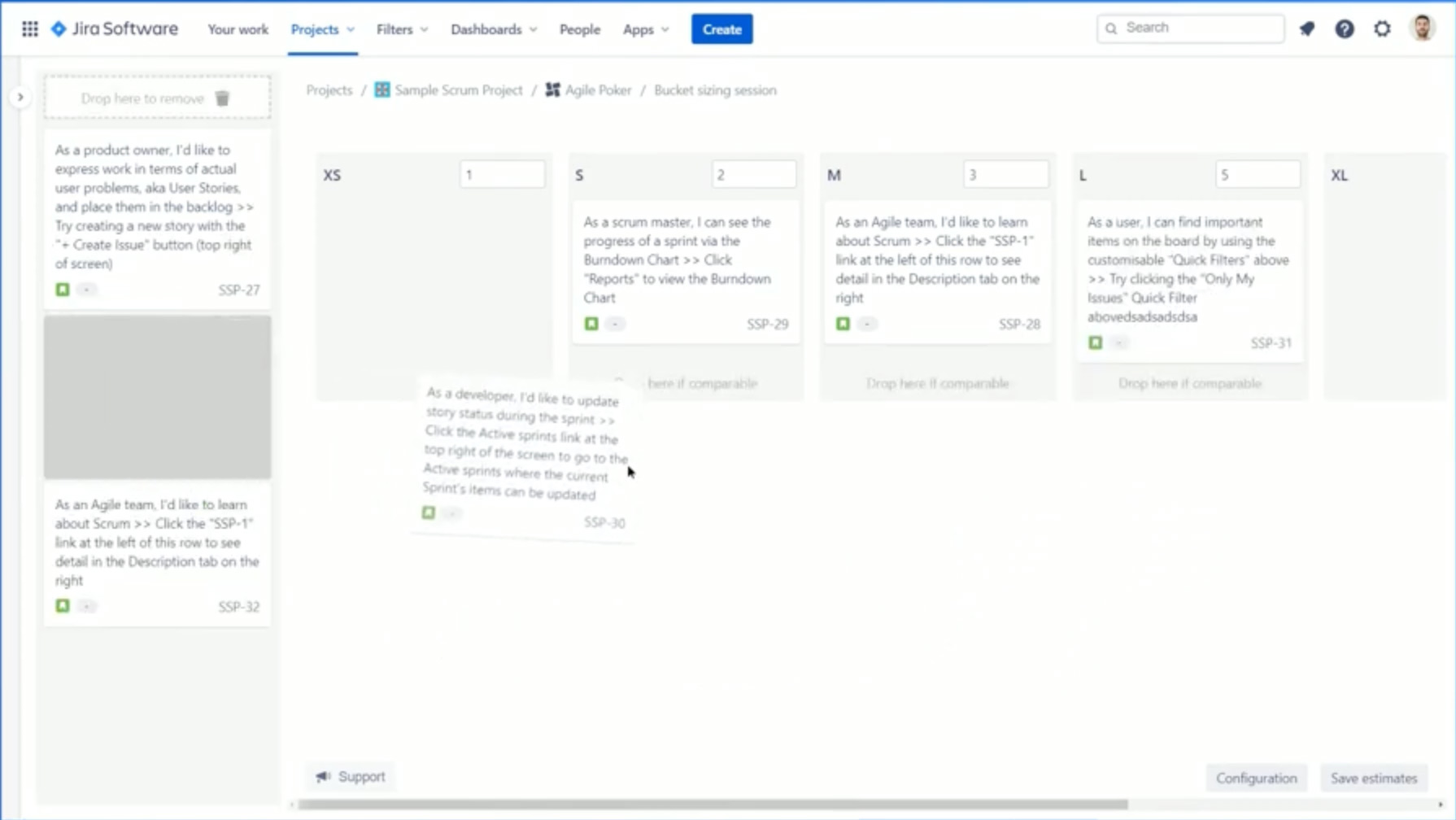
Communicating to an experienced user of Agile workflows in a saturated market of similar apps.
It's Atlassian.
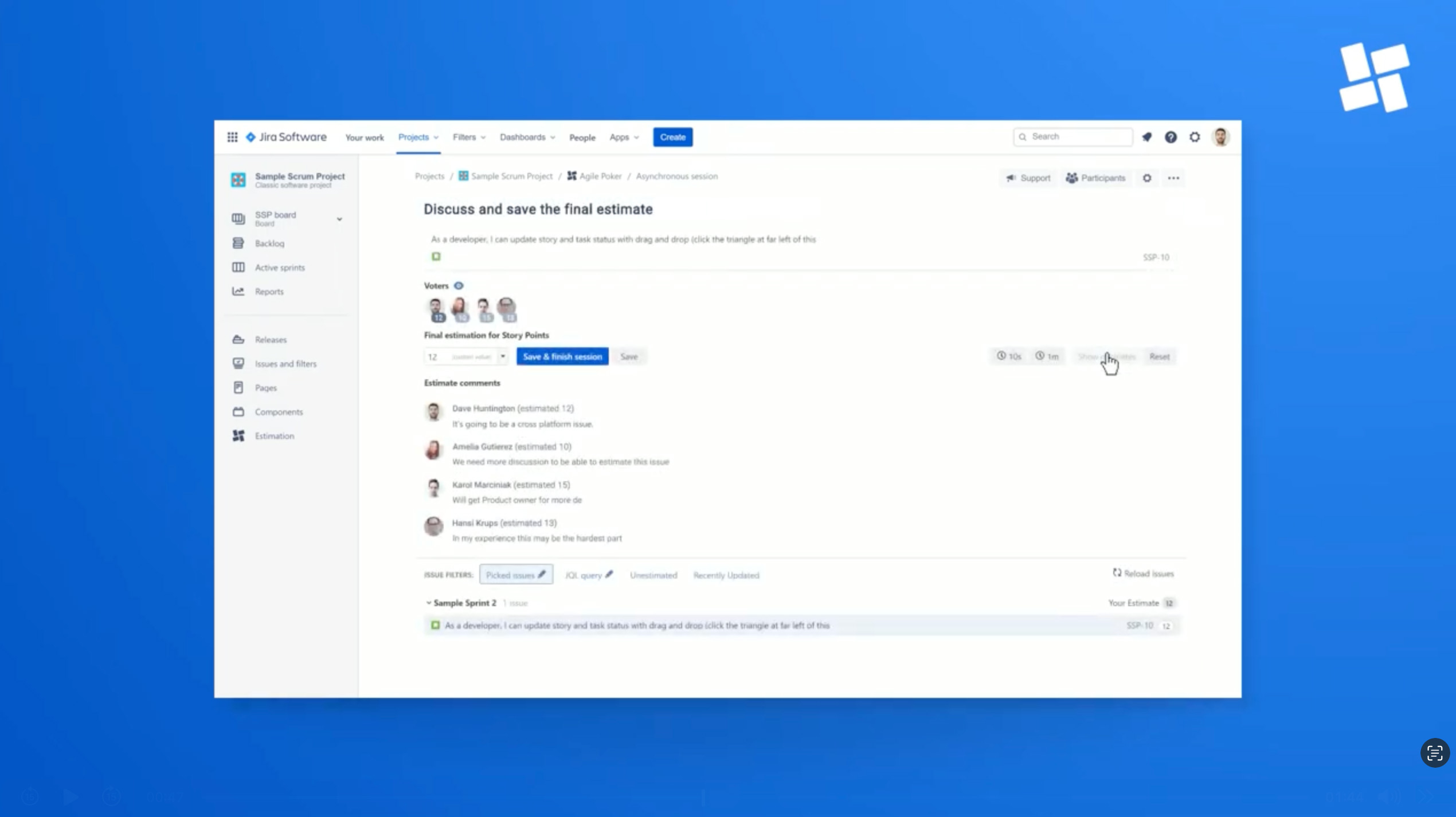
It's easy to start off going overboard with animations typically seen in most of Atlassian's content. However, this needed visuals of immediate app function seen from a user's side ie: project manager to show how this app functions easier and enhances efficiency right off the bat. The voiceover was supplied by Atlassian.
How?
After approval of communicative icon illustrations and storyboard layout in Figma, I brought in to After Effects to execute it exactly as projected.

Proof I'm human.